Shot list and technical breakdown of a sequence
Shot lists without pulling an all-nighter: Scenorama isolates each shot in a sequence, with its timecode, and lets you describe shot size, movement and sound.
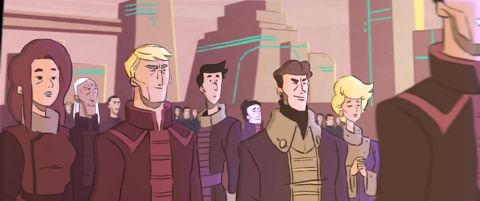

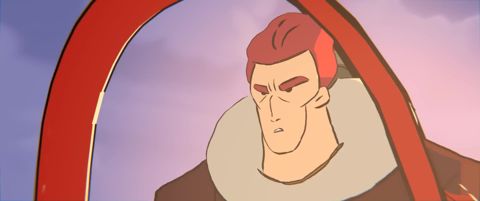
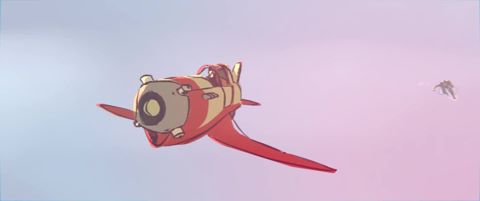
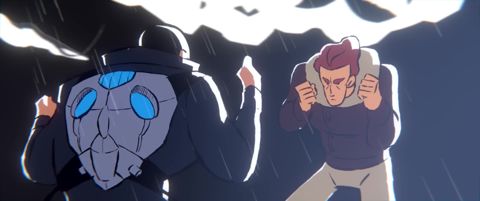

How it works
Import the sequence
Your video file or a link to an online clip.
Detect the shots
One frame at every cut, with the exact timecode where the shot starts.
Describe each shot
Shot size, camera movement, description and dialogue (automatic or pasted transcript).
Export the shot list
A numbered PDF, ready to hand in or present in class.
Why Scenorama
Film vocabulary
Close-up, cowboy shot, high angle, tracking shot, pan, orbit… all built in.
Aligned dialogue
Spoken lines are automatically attached to each shot.
Drawing on the frame
Show leading lines, eyelines or movements.
Clean export
Several layouts, portrait or landscape.
Frequently asked questions
Is it suitable for students?
Yes, the free plan is enough for a short sequence, and the Starter plan at €6 per month covers 20-minute clips.
Can I import a film I own?
Yes, import your video file; use for analysis and teaching generally falls under the short-quotation exception.
Is the duration of each shot shown?
Each frame carries its start timecode, so you can work out the length of each shot.
Ready to try it?
Create your free account and extract your first video in under a minute.