Create a storyboard from a video
Start from an existing video to rebuild its storyboard shot by shot: the perfect reference to prep a shoot, analyze an ad or pitch an idea.



How it works
Import the video
A YouTube, TikTok or Instagram link, or your own file (MP4, MOV, MKV…).
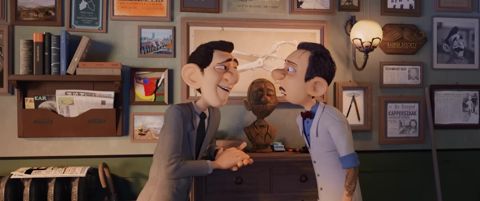
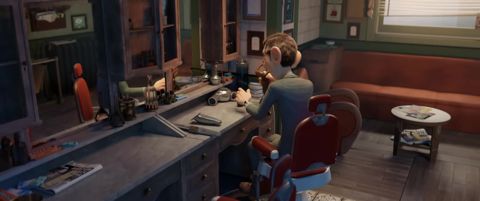
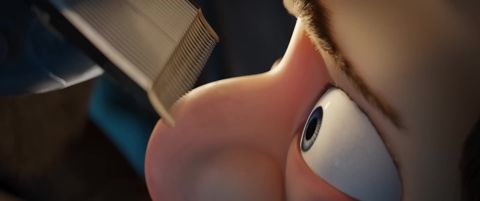
One frame per shot
Scene detection automatically extracts a frame at every shot change, with its timecode.
Annotate each shot
Shot type (close-up, wide shot…), camera movement (tracking shot, pan, orbit…), rating and description. The transcript can fill in the descriptions for you.
Export the storyboard
Choose the Storyboard template, 1 to 8 shots per page, portrait or landscape, with your cover page and the client's logo.
Why Scenorama
Dedicated Storyboard template
A grid of numbered thumbnails with timecodes and captions, ready to print.
Drawing on frames
Arrows, boxes and annotations to show a camera movement or a point of interest.
Dialogue included
The video's transcript is split up and placed under each shot.
Editable exports
PDF for sharing, PowerPoint or Keynote for reworking.
Frequently asked questions
How is it different from a drawn storyboard?
A drawn storyboard prepares a film that doesn't exist yet. Here, you start from a real video: perfect for a shot-for-shot remake, a client reference or analyzing a sequence.
How many shots per page?
From 1 to 8 shots per page, portrait or landscape. The Filmstrip and Presentation templates offer other layouts.
Can I reorder the shots?
Yes, with drag and drop, and you can add sections to structure the storyboard.
Ready to try it?
Create your free account and extract your first video in under a minute.